
Resume Design Tips for 2026: 5 Rules + How AI Speeds It Up
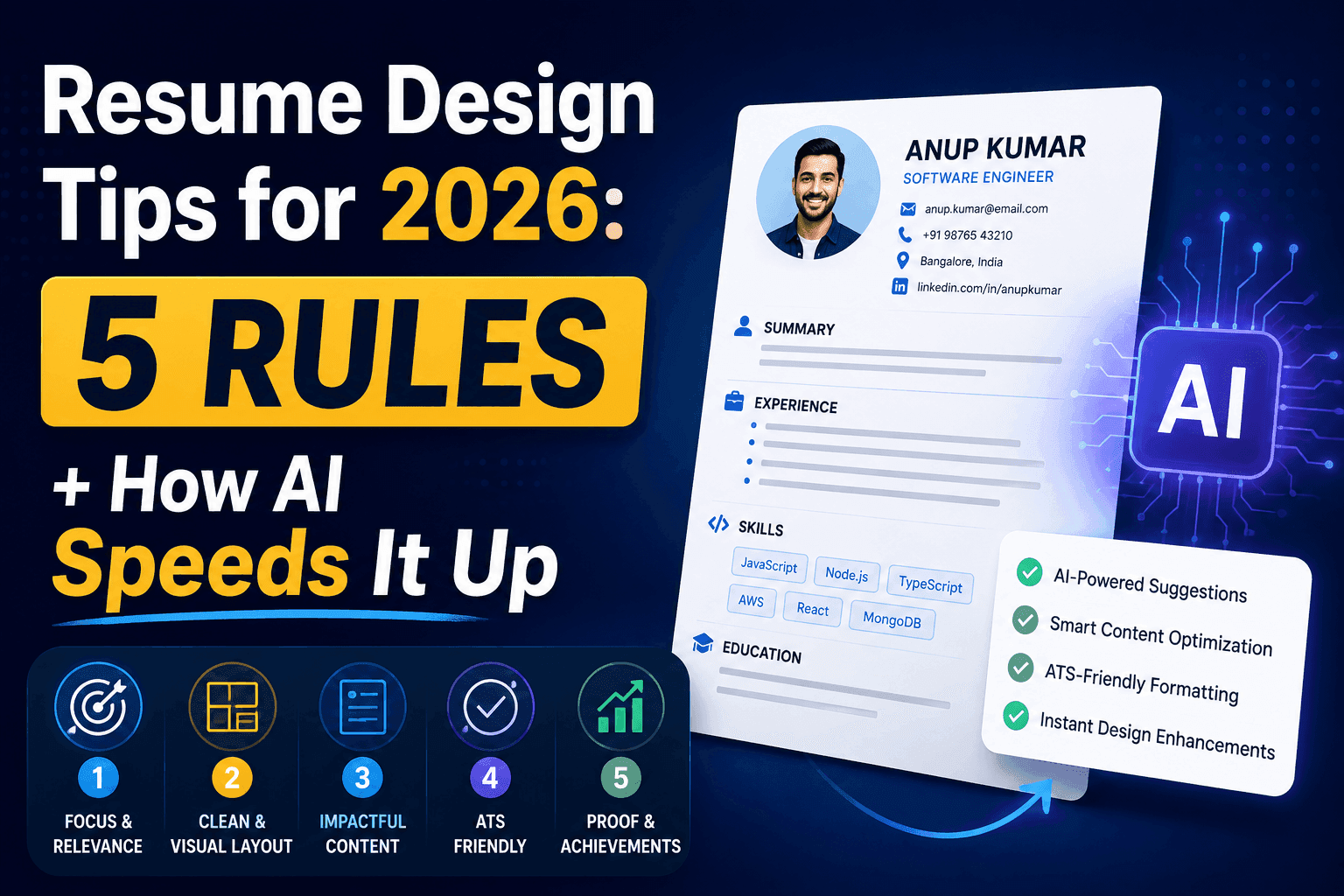
In 2026, recruiters and ATS systems scan resumes in seconds. Here are five design principles that still matter—and how AI resume tools help you build a polished, job-ready resume in a fraction of the time.
In 2026, your resume is still the first impression you make—often before a human ever reads it. Applicant tracking systems (ATS), AI screening tools, and busy hiring managers all scan the same document in seconds. A beautiful layout alone is not enough; a well-designed resume balances clarity, relevance, and machine readability.
Whether you are switching roles, applying to your first job, or updating a ten-year-old PDF, these five principles will keep your resume competitive. We will also cover how AI-based resume tools—like the resume builder and ATS checker on Interview Trix—can cut hours of formatting and rewriting down to minutes.
1. Design for ATS first, aesthetics second
Most companies still run resumes through an ATS before a recruiter sees them. That means your design choices should support parsing, not fight it.
Use a single-column or simple two-column layout—avoid text boxes, tables, and graphics that break parsing.
Stick to standard section headings: Experience, Education, Skills—not creative labels like “My Journey.”
Export as a clean PDF; skip headers/footers with critical info tucked in margins.
Use common fonts and consistent heading hierarchy (name → title → sections).
2026 reality: Recruiters may use AI to summarize or rank candidates. If your resume structure is messy, both the ATS and the AI summary miss your best achievements.
AI shortcut: Tools with built-in ATS scoring flag missing keywords, weak section order, and formatting issues before you apply—so you fix problems proactively instead of guessing.
2. Tailor every resume to the role—not just the company name
Generic resumes rarely win in 2026. Hiring teams expect evidence that you fit this job, not any job in your field.
Mirror language from the job description (skills, tools, responsibilities)—naturally, not stuffed.
Lead your summary or headline with the target role and your strongest match.
Reorder or trim bullets so the most relevant experience appears first.
Keep a master resume, but save role-specific versions for each application type.
AI shortcut: Duplicate a base resume, paste the job description into an AI refine prompt, and regenerate your summary or experience bullets in an ATS-friendly tone—without starting from a blank page.
3. Lead with impact, not job descriptions
Design is not only visual—it is information hierarchy. The strongest resumes put outcomes at the top of each bullet.
Start bullets with action verbs: Built, Reduced, Led, Shipped.
Add numbers where you can: revenue, latency, users, team size, time saved.
One idea per bullet; 1–2 lines max for easy scanning.
Cut duties everyone in the role shares (“Attended meetings”) unless they show scope.
Example upgrade:
Before: Responsible for backend API development.
After: Built REST APIs serving 2M+ daily requests, cutting p95 latency by 35%.
AI shortcut: Presets like “Add metrics & impact” or “Professional & ATS-friendly” help rewrite weak bullets while keeping your facts—especially when you know the work but struggle to phrase it.
4. Keep layout scannable: one to two pages, clear visual rhythm
Recruiters spend seconds on the first screen. Your layout should guide the eye.
One page if you have under ~7 years of experience; two pages max for most professionals.
White space is a feature—crowded resumes feel harder to read and often get skipped.
Align dates, use consistent bullet styles, and keep contact info easy to find.
Skills belong in a dedicated section; do not hide them inside dense paragraphs.
In 2026, mobile-friendly PDF previews and thumbnail previews in application portals are common. A resume that looks balanced at a glance performs better everywhere.
AI shortcut: Template-based builders apply professional typography, padding, and section order automatically—so you focus on content while the tool handles consistent spacing and pagination.
5. Treat skills and keywords as part of the design
Skills are not an afterthought—they are structural. In many workflows, keyword match determines whether your experience section is read at all.
Include a Skills section with tools, languages, and domains relevant to the role.
Weave critical keywords into experience bullets, not only in the skills list.
Remove outdated tech unless the job specifically asks for legacy systems experience.
Match seniority: staff-level resumes should emphasize scope and leadership, not every framework you touched once.
AI shortcut: ATS checkers compare your resume against a job description and surface missing terms, vague bullets, and section gaps—turning keyword optimization from guesswork into a checklist.
How AI resume tools help you design faster
Designing a resume used to mean wrestling with Word margins, copying LinkedIn text, and rewriting the same bullets for every application. AI tools change that workflow:
Import and extract — Upload an old PDF or DOCX; AI pulls out experience, education, and skills so you are not retyping history.
Start from proven templates — Pick ATS-friendly layouts instead of designing from scratch.
Refine content with prompts — Adjust tone, shorten bullets, or add impact with one-click presets or custom instructions.
Score before you submit — Run an ATS check, fix flagged issues, and improve match rate for each job.
Iterate in minutes — Duplicate, tweak for a new role, export PDF—repeat without rebuilding the document.
The goal is not to let AI invent your career—it is to accelerate the parts that slow people down: formatting, phrasing, and alignment with each job.
A practical 30-minute workflow for 2026
If you want a fast, repeatable process:
Import or create a master resume in a template-based builder.
Paste the job description and run an ATS or keyword check.
Regenerate your summary and top 3–5 bullets for that role.
Adjust layout (font size, spacing, section order) for a clean one- or two-page read.
Export PDF and apply—with a saved copy tailored for the next similar role.
What used to take an entire weekend can realistically happen in a focused half hour—without sacrificing quality.
Final thought
In 2026, the best resumes are not the flashiest—they are the clearest, most relevant, and easiest to parse. Keep ATS structure, role targeting, impact-driven bullets, scannable layout, and smart keyword use at the center of your design.
AI will not replace your experience, but it can remove the friction between what you have done and what hiring teams actually see. Use it to design faster, apply smarter, and spend more time preparing for the interview—not fixing margins.
Ready to build yours? Try the Interview Trix resume builder and ATS checker to turn these principles into a job-ready resume today.